
Project management for teams and startups
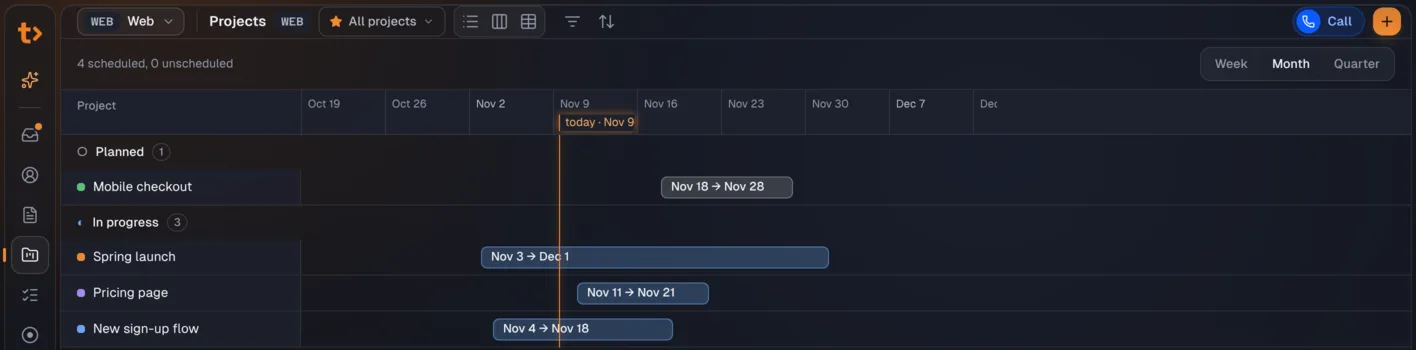
Each team sets its own statuses, saves its own views, and works from a board, list, table, timeline or calendar view.
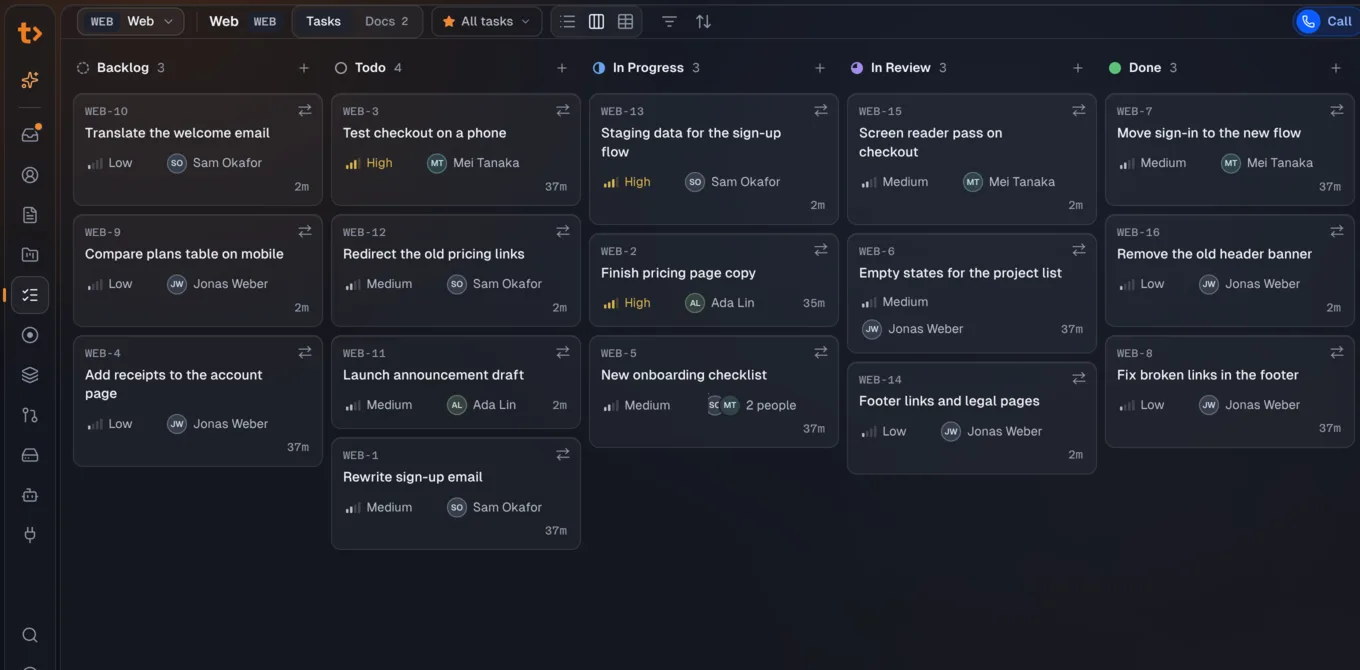
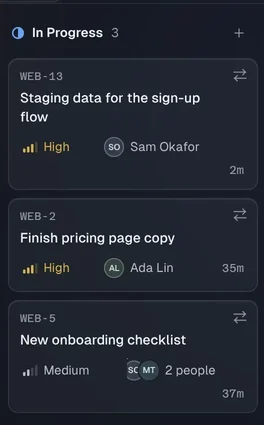
Real termynl screens. The workspace, people and tasks are made up.
Every item keeps its key. WEB-42 is still WEB-42 after it moves team, so links and habits keep working.
The same work, however you want to see it.
Filter, group and sort, then save the view for the whole team.
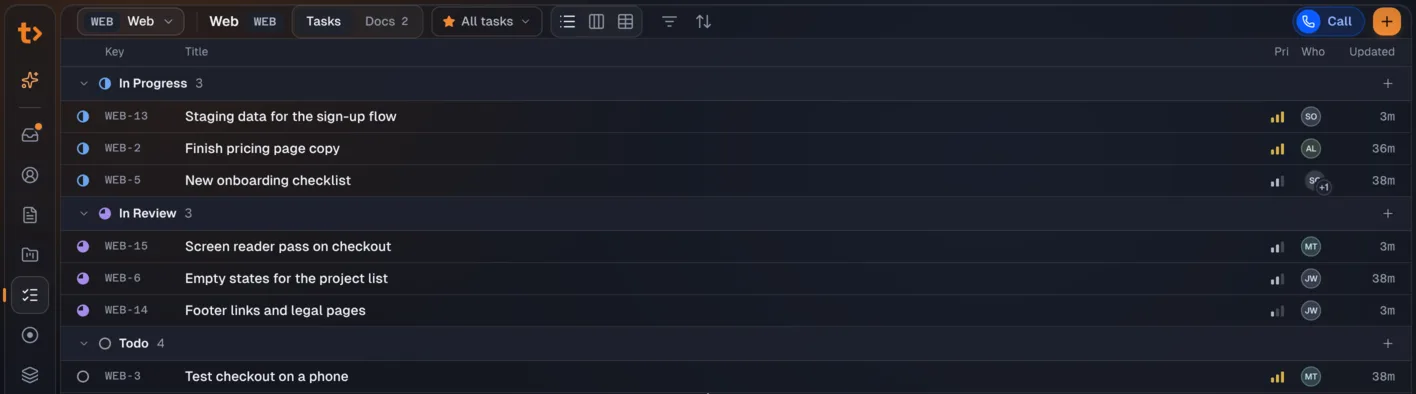
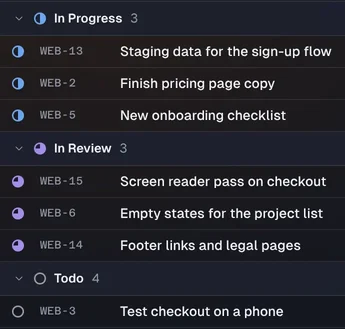
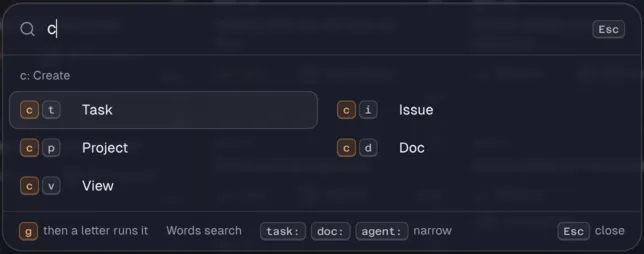
Every action is a few keys away.
Press Ctrl K, then one or two letters. The palette shows what you can press next, and anything else searches.
Statuses per team
Each team names its own, and every status still means backlog, to do, in progress, done or cancelled.
Tasks and issues
Issues track who reported what. Convert between the two without losing links or history.
Keys that last
Every item has a key like WEB-42. Move it to another team and the old key still works.