
AI agents for project management that work as you
No separate AI account. Tyn and connected apps like Claude, Claude Code, ChatGPT and Codex use your permissions, and history shows your name and the tool you used.
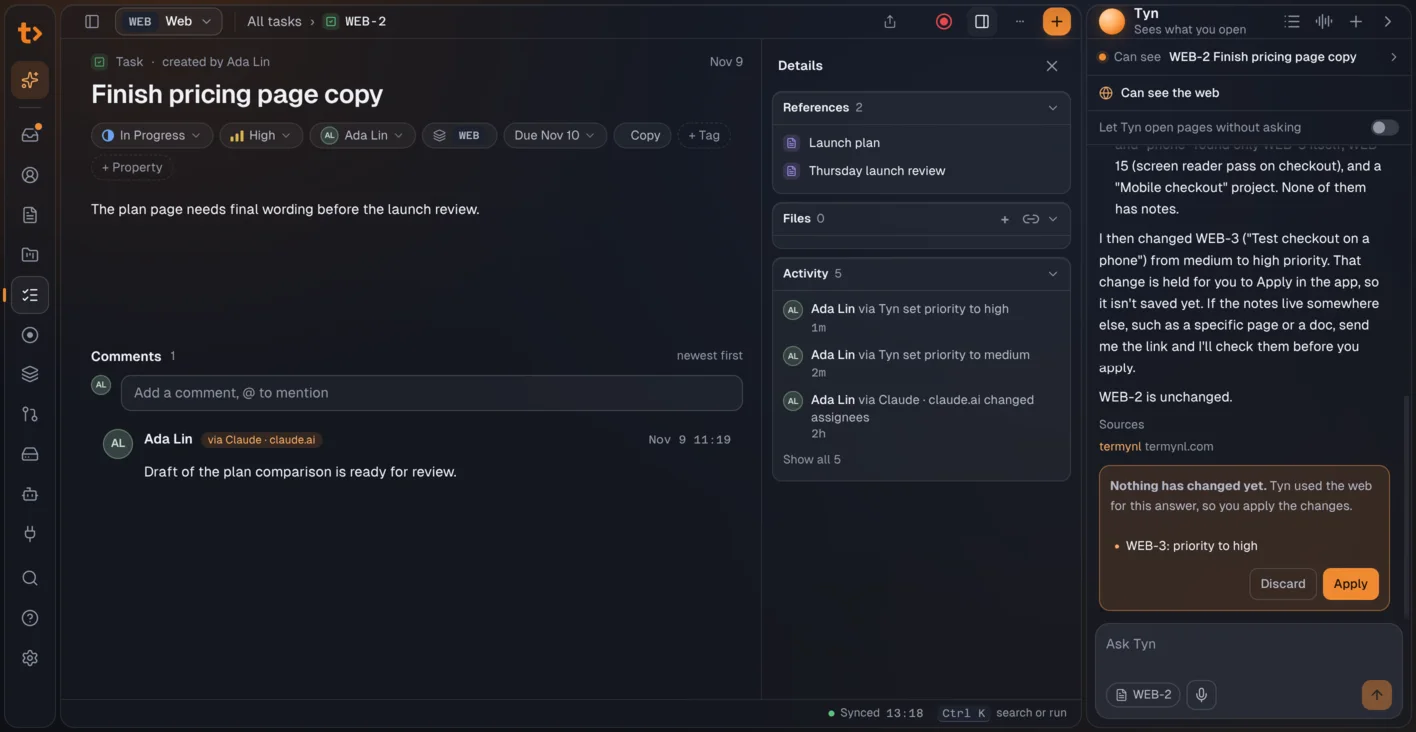
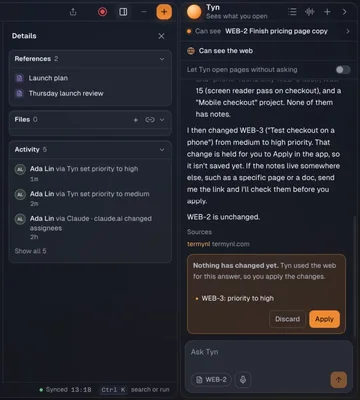
Real termynl screens. The workspace, people and tasks are made up.
An AI with its own account can do things you never could. Here, it can only do what you can.
Nothing has changed yet.
That is what you see when Tyn has read the web or someone else's words. The change waits, in plain words, until you press Apply.
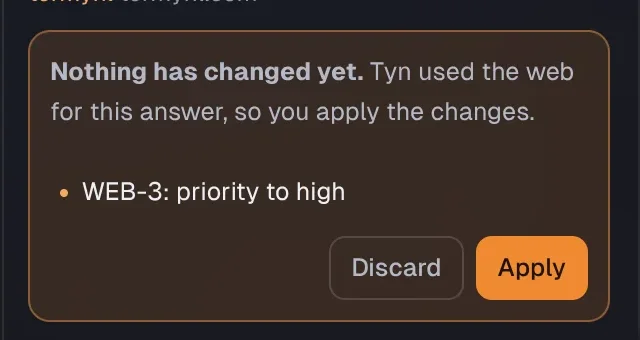

Tyn is the assistant built in.
Ask in the panel with Ctrl J, or press Ctrl Shift Space and talk. After each change Tyn lists what it did, with a link to open it.
Reads what you can read
Tyn sees the item you have open. Turn that off and it gets only what you type.
Risky changes wait
After reading text someone else wrote, deletes, sharing, moves between teams and changes to other items wait for Apply.
Bring the AI you already use
Claude, Claude Code, ChatGPT, Codex and other apps connect over MCP. You approve each app, and you can revoke it at any time.
Give your AI the whole project.
Under your name, with your permissions.